Showing posts with label Georgina Rabasa. Show all posts

Friday, 19 June 2015

Saint Patricks Day

Hello girls!

In this entry I’m going to show some resources that I used with my pupils to work Saint Patrick's day.
I created a power point slide collected some of the resources that can be used to work Saint Patrick's in Primary 5.


First of all, this celebration can be introduced by a video about a Leprechaun, helping the teacher to create good atmosphere to start talking about Saint Patrick. Then I thought it could be good to show another video explaining briefly the legend.

It’s always important to work vocabulary and there’re some webpages that have flashcards and images that would be good to use to work Saint Patrick's day.

Also if we want to create our flashcards I highly recommend to use Bitsboard and play games in groups with the iPads.


Furthermore, to learn vocabulary in a more attractive way they can be playing games, such as memory, and every time they turn over a card they have to say the name of the image. (This would be a LOTS Bloom’s taxonomy activity). 

Also, learn more about the legend they can search on the Internet some webpages explaining it.

Moreover, a good and HOTS activity (linking with Blooms Taxonomy) we can tell the students to choose 6 clue words about the legend, so they will have to analyse the previous text that they have searched, and decide which words they want to use to create a crossword puzzle, introducing the word and making the definitions.


Although, it can be very creative to look for some Saint Patricks crafts, and a very useful and recommended application is Pinterest. 

Additionally, I founded lots of very interest presentations about the legend of Saint Patrick's that can be used in class without any problem, and we can edit and adapt to our needs.

Last but not least, I want to comment that before doing this subject I was interested in new technologies but after doing I have opened a lot my mind and now I have more skills and more resources to use in class, and also I’m more oriented on how to use it in a correct way and try to squeeze it to take advantage of all the digital resources.


Thank you so much!

Wednesday, 10 June 2015

KEY NOTE ACTIVITY Mireia, Georgina i Mariona

KEY NOTE ACTIVITY

The last 29th of May, we had our last session of the ICT optative. As in the previous one, we were working on IPads, a sophisticated technology that nowadays many schools use or start introducing it as an educational tool.
During the first half of the class, we talked and experimented with QR codes and we shared ideas about how we can use them in class to enrich the teaching-learning process.


After that, we went through a list of suitable iPad apps to use in class with our kids. As the list is very long, we focused on the more interesting ones and we also had time to explore and try some of them. Some of the apps we discovered are Class Dojo, Tiny Tap, Toontastic and Skitch.


Class dojo is a very useful app for teachers as it helps them with classroom management. They can use it to reinforce positive behaviors in their students and parents can check their children's progress. It also offers a different but a great opportunity to communicate with parents.
Tiny tap allows us to create and play fun interactive quizzes, lessons and games. Here you can read more about this app and the things you can do with it.
Toontastic is a storytelling and creative learning tool that enables kids to draw, animate, and share their own cartoons. Here you can find a description of the app and a video tutorial with the steps you have to follow to use it.
Finally, Skitch is an app for writing and drawing on pictures. In this page you can read about its advantages and you have some examples for using it in class.
In the second part of the class, we had to design, in peers or threes, a HOTS activity for iPads. Our activity is for Primary 5 and it involves comparatives and animals vocabulary. We decided to use Keynote, an app for designing, create and share beautiful presentations. Our activity consists of two phases. In the first one, children are divided in small groups of four, approximately, and they have to create a quiz to work on comparatives and animals vocabulary. The teacher will show them an example to have an idea about what they will have to do.


The quiz should have five questions. They will have to write the question, for example “Which animal is faster?” and under the question they will have to put the picture of two animals such as a lion and a cheetah, with its name. 

Then, in the following slide, they will have to give the answer of the question by putting the image, the written word or the speaking word (using a recording) of the animal. 


This first phase is a HOTS activity because children have to create the quiz using a lot of skills during all the process. On one hand, students need to investigate on what topic they want to work and all the information about it as well as examine the uses of the activity. On the other hand, they have to design the quiz and decide a plan to make the activity happen. It is really important that while they are creating they are deciding the uses of the game and constructing the questions and the answers.  

The second phase consists on answering the other groups’ quizzes. Once the members of the group have read the question, they have to decide which is the correct answer. So first of all, they will need to discuss among them and come to an agreement and, after that, they will have to record the answer and add it in the quiz. Following the example before, they will have to say: “We think the cheetah is faster than the lion because….” And give the reasons why they have decided the cheetah instead of the lion. After giving the answer, they will be able to check whether their answer is correct or not. This second phase is also a HOTS activity because students have the challenge to decide, choose and justify their answer. It is not a simple yes/no answer, students are applying their knowledge and putting in practice comparative structures to give a reason to the game. 

Wednesday, 27 May 2015

iPad as an ICT tool

Hello girls!


We are Alba and Georgina sharing our experience of the last session, using the iPads as technological tool in the classroom. Both of us have our own iPads and we have used them for leisure. But after the last session our mind has been opened and we now see the iPad as a good and useful ICT tool.  


We really consider that Ipads bring education to life in the classrooms. It is a tool very easy to manipulate and children can use it easily. We all know that new technologies make the sessions more engaging than a printed format beside the incontable number of tools you can take benefit from. Sharing resources, working in groups, communication, access to different cultures… are some of the advantages of using ipads in the classroom.


Thanks to Maribel Benito we were introduced in how to use ipads in classrooms with students from Nursery and Primary School. The first App she shared with us was “BOOK CREATOR”.


descarga.jpg
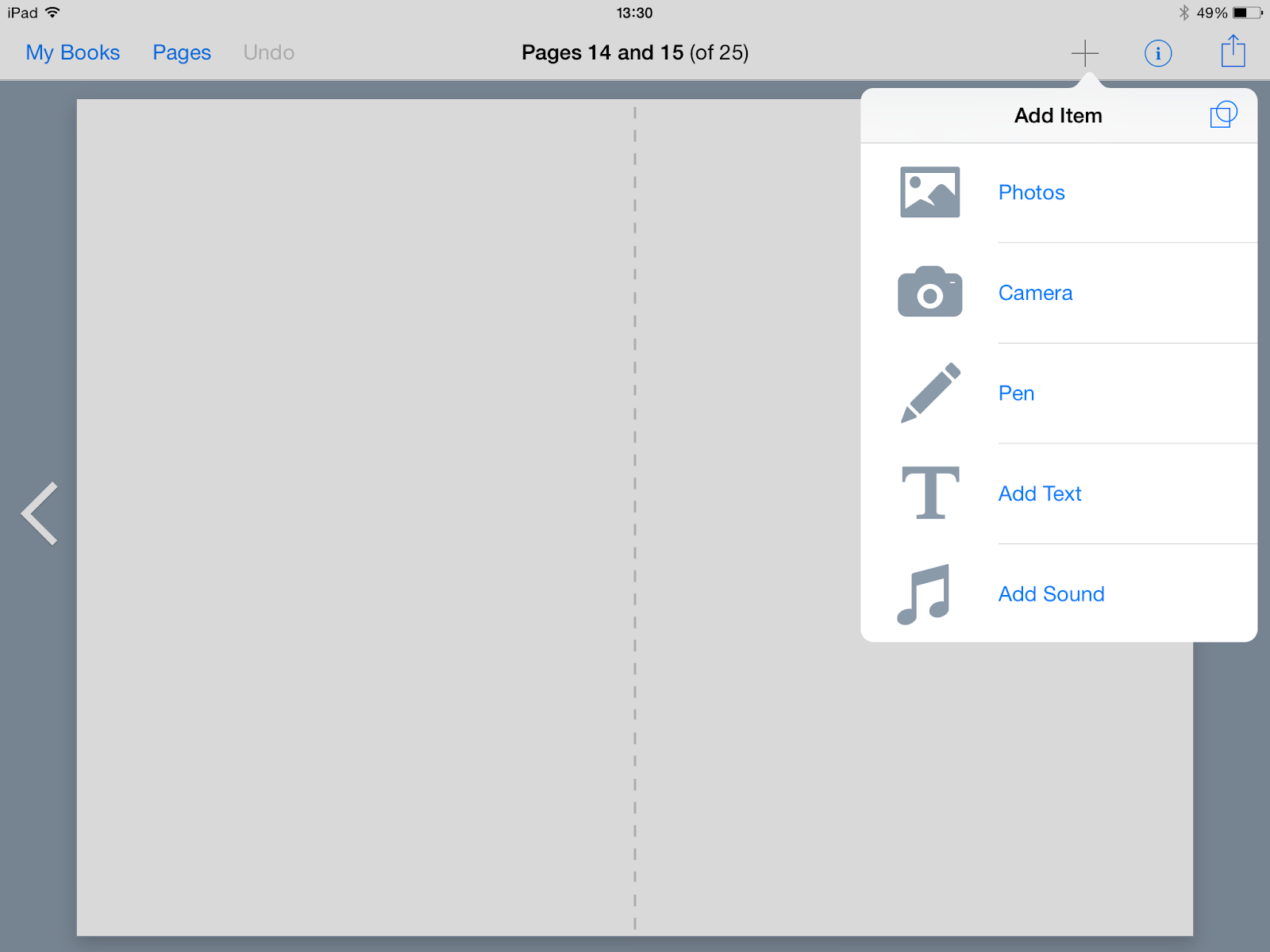
This educational app is ideal for children to create a personalised story related to any topic. The app allows students to take a picture and add it, videos, images and icons, text, change the background and change the colour. Students can see the result when they finish.


IMG_0769.PNG
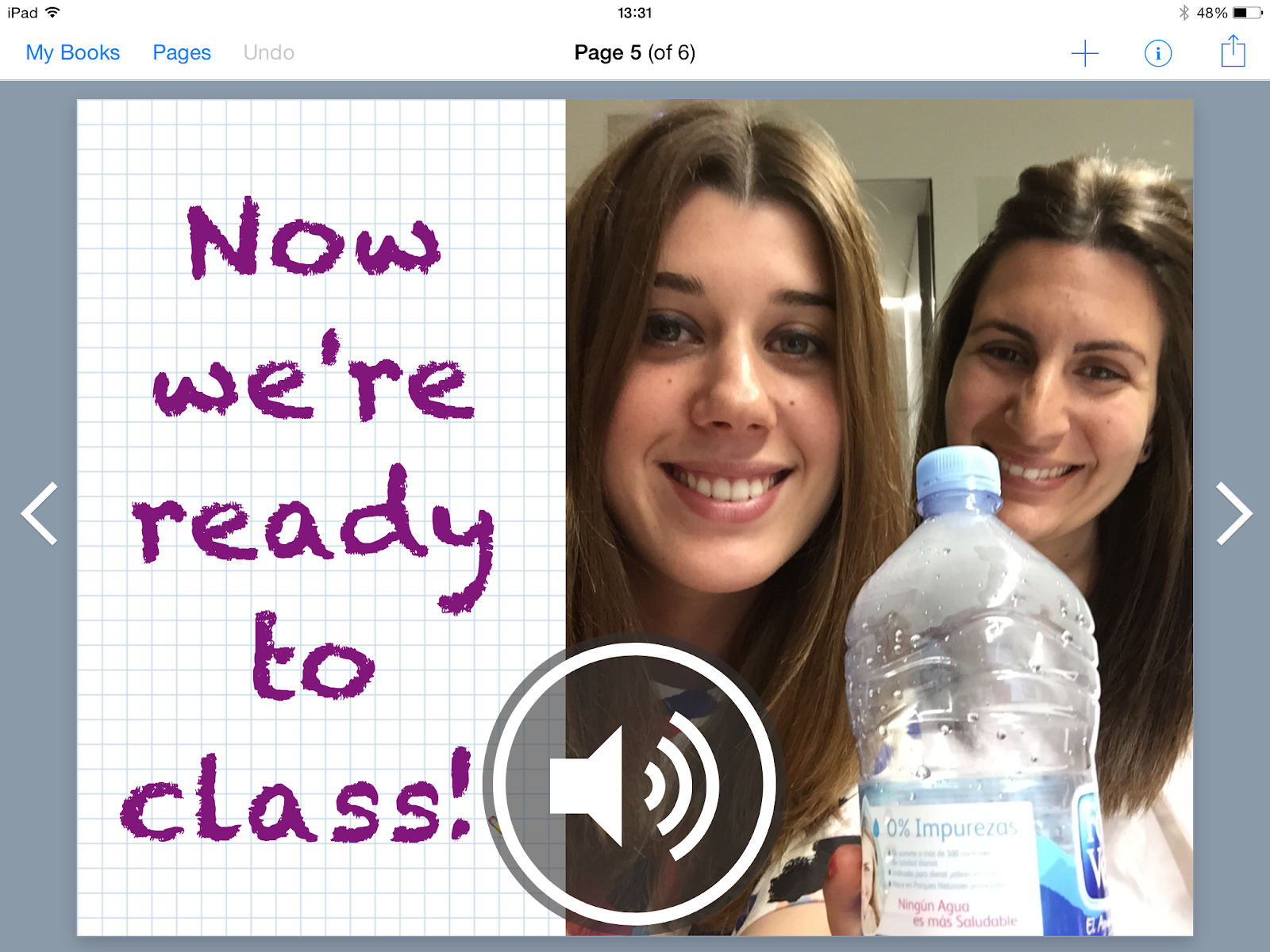
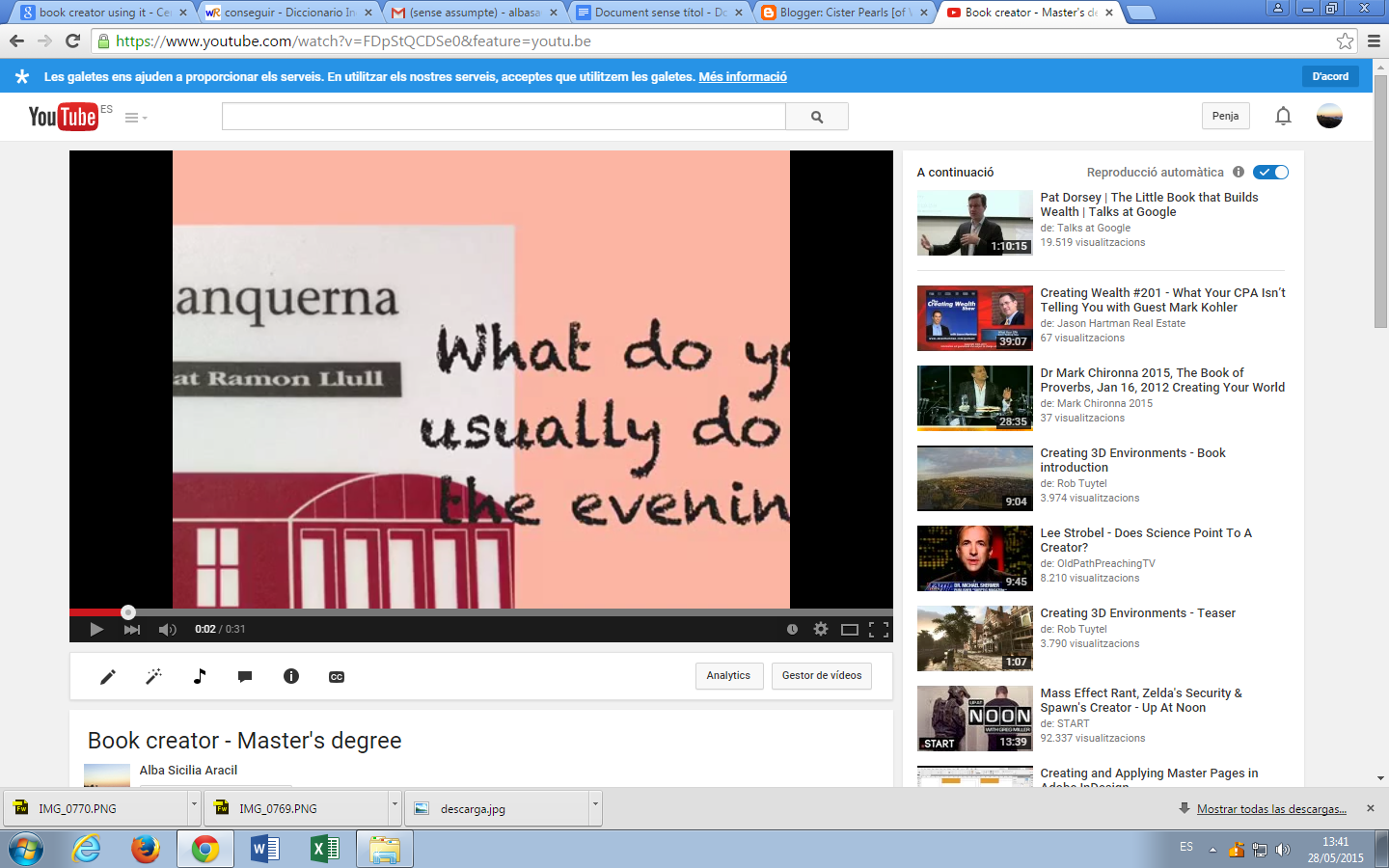
Gina and me decided to focused our example with “Book Creator” on one topic: routines. Our aim of the activity was to check if students could work on a routine using this app. The idea was simple: students must create a book choosing one time of the day (morning, afternoon, evening) and illustrate it by adding recordings or images and text or audios.


We tried our best checking all the options we were allowed to try and it worked! We were really proud of our project and we will definitely use it in our classrooms.


IMG_0770.PNG


The second application that we downloaded was "BITSBOARD"


It’s very easy to use you only have to make photos or choose images related to a topic that you are interested. Insert the image and write the name, if you want you can record how to pronounce the word, if not the application will look trough their documents the voice of another person saying the word and if you are agree with you can leave it. Once you have introduced all the images it gives you the option to play to several games using them.
The games can be played in groups, for example in this one the maximum are 4 pupils playing at the same time. They have to match the sound with the object that apperars in the image.


Bits board gives you the opportunity to choose lots of games depending on the age of the students. We share you some different games that can be used in different ages. 


And it’s also very useful if you don’t have time to create your own board, you can search through all the boards that other people published.


So, Bitsboard is a fantastic and complete tool to show contents in a new way, playing dozens of games. Also, it gives the opportunity to create your own contents, search for created boards before, and share your own boards to people and other teachers around the world.

Thursday, 14 May 2015

First contact with IWB

Last session was my first technical contact with the IWB. I had the chance to use it in some expositions in the university, but I only touched the screen to pass the slide, so I had no idea about all that you can do with IWB.

In the kindergarten that I’m actually working they don’t have this resource because of the age, we only have TV. But after the last session I can imagine different activities to do with the very little ones.
Before the last session I didn’t know how to use it and all the different kind of activities you are able to do. I think that SMART notebook gives you lots of facilities to allow you to create lots of different activities for different levels of teaching, and different ways of learning, thinking.. I was very shocked about how easy it can be to create a good, creative and complete activity.

I created different types of activities related to the animals, depending of Blooms Taxonomy. One of them is related to the Low Order Thinking Skills (LOTS), and the other is related with the Higher Order Thinking Skills (HOTS).

LOTS activities:
The first one it will be perfect for P3 students. They will have to find the pair of the other animal. So in these activities they will do two pairs of animals. It can be done by many ways and for different ages, for example doing pairs with the animals and their habitat.


Another activity can be the following one. They have to relate the picture of the animal with their characteristic, in this case the tiger is a wild animal, and the dog is a pet animal. This activity can be addressed for a 4th grade students.


A more complicated but it’s also a “LOTS” activity consist on classify the different animal images depending if they live in the savannah or in the sea.


HOTS activity:
Now it’s the turn for my HOTS activity. It’s addressed for a 4th grade students, because this activity involves more complicated different aspects. They have two different backgrounds: the savannah and the sea. And then in the savannah background it is a shell (an element from the sea) and in the sea there is a stone (an element that can be found in the savannah). They have to transform the shell and the stone to an animal that lives in each background, so they have to transform the shell into an animal that lives in the savannah and the stone into a sea animal. It involves a lot the creativity, but under the image and the drawing they will have to describe the animal that they imagine.


It’s a bit complicated activity but that’s why I have done an example, to guide the students how they have to do the activity and give them some ideas and inspiration.


I opened a folder in my dropbox with a pdf and the following document that contains all the activities. Feel free to download it doing click here.

Hope you like it, and better if I inspired you to do more activities!