Showing posts with label Infant Education. Show all posts

Friday, 15 April 2016

Session 5 (14/04/2016)

written by Anna Solé Tusal and Ferran Rodríguez i Díaz


Today's session is about iPads and its different applications in Infant and Primary schools. Some of us are having our first contact with iPads, so there are a lot of new things we need to explore. The classmates who know how iPad's work will be helping the rest. Therefore, we are learning in a cooperative way. 

first contact

Now we are discussing about the pros, cons and purposes of the use of iPads in class. Some pros are that iPads are fun, interactive and nice; this device can develop and improve the ICT competence of our students. The cons we see are the lack of iPads in the school; the inappropriate use some students would do of the devices and of course one of the biggest cons are the battery issues. 
We also talked about the "What for?"; they are useful for designing interactive and motivating activities; iPads provide a wide variety of high quality visuals and are also good for a recreational use. 


We are discovering some apps we never heard before. They are apps designed to help teachers manage the class. One is called "ClassDojo", it is an easy app that will let us administrate the positive-negative points every student deserves (this can be considered behaviorist, but the app is good and motivates them a great deal). The other one is called "Classcraft"; the purpose is similar to the last app but from a different point of view. We are also talking about Book Creator, BitsBoards, Puppet ShowTiny Tap.


Finally Miriam and me have created activities using the different apps we discovered in class. An example is BitsBoard, which is is a simple True/False game about the different spaces of our university.
This game can be listed in the Understanding and Applying steps of Bloom's Taxonomy, because it will have the students thinking and relating all the vocabulary they know. In the activity, they not only are tested in the vocabulary itself... they will have to pay attention on the spelling as well; some of the words are tricky and have been misspelled.

The target age for this activity in particular would be 9-11 years old. They not only are able to identify the different vocabulary worked in class, in addition they are able and ready to check the spelling as well.

Once again, ICT takes advantage on old/classic activities. We all know how to create vocabulary-check activities on paper... but now we are able to do them with ICT tools as the iPad. With this, you are bringing innovation and technology to the classroom. The students will enjoy more the activity and will improve their tech skills.

Here you have a couple screenshots of it:


We really encourage you to try these kind of apps; they are really useful and engaging for children!! We believe it is very important to instill in children the desire to learn in a different way, why not through ICT support?

Ferran Rodríguez and Anna Solé

Wednesday, 27 May 2015

iPad as an ICT tool

Hello girls!


We are Alba and Georgina sharing our experience of the last session, using the iPads as technological tool in the classroom. Both of us have our own iPads and we have used them for leisure. But after the last session our mind has been opened and we now see the iPad as a good and useful ICT tool.  


We really consider that Ipads bring education to life in the classrooms. It is a tool very easy to manipulate and children can use it easily. We all know that new technologies make the sessions more engaging than a printed format beside the incontable number of tools you can take benefit from. Sharing resources, working in groups, communication, access to different cultures… are some of the advantages of using ipads in the classroom.


Thanks to Maribel Benito we were introduced in how to use ipads in classrooms with students from Nursery and Primary School. The first App she shared with us was “BOOK CREATOR”.


descarga.jpg
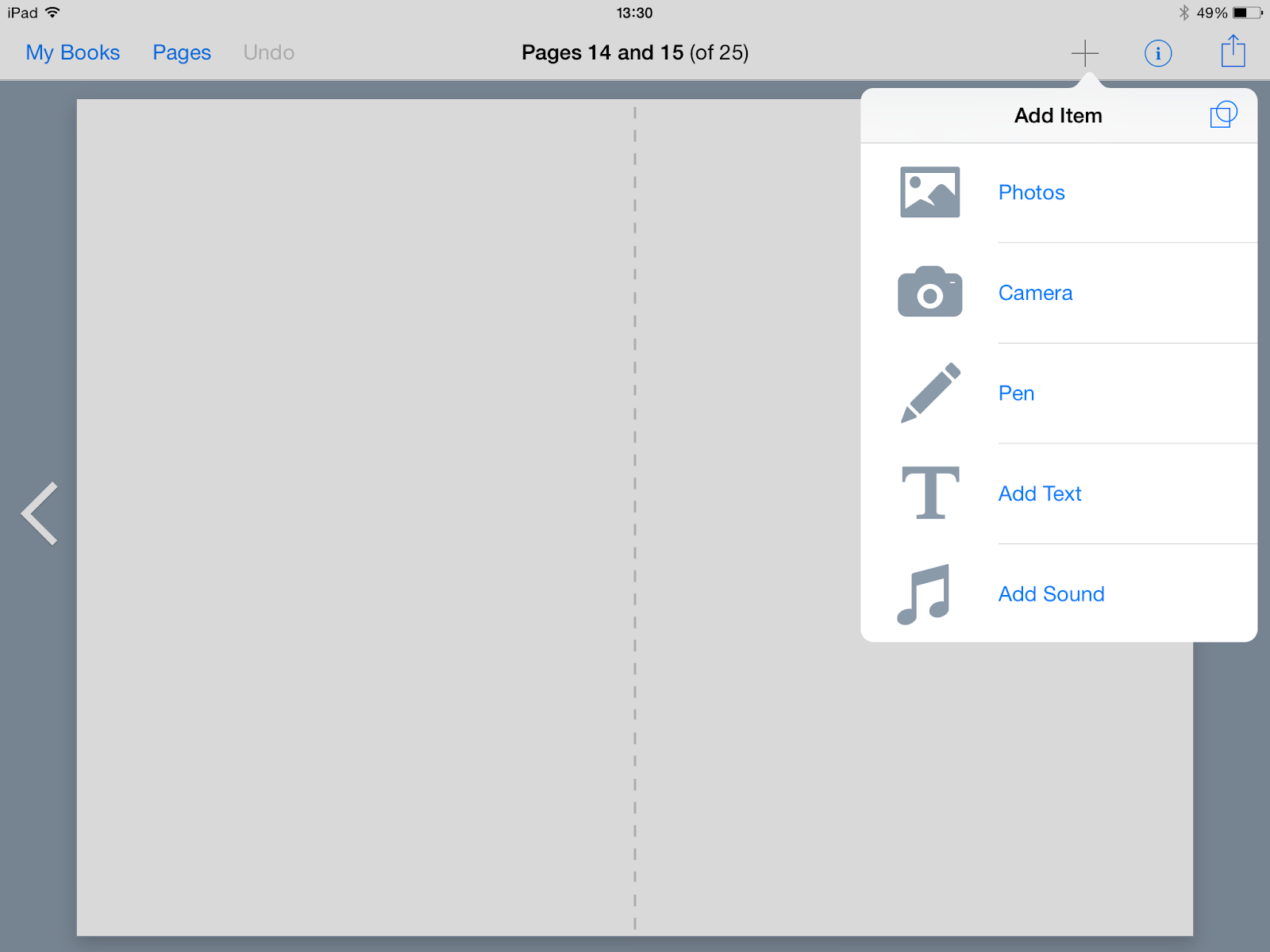
This educational app is ideal for children to create a personalised story related to any topic. The app allows students to take a picture and add it, videos, images and icons, text, change the background and change the colour. Students can see the result when they finish.


IMG_0769.PNG
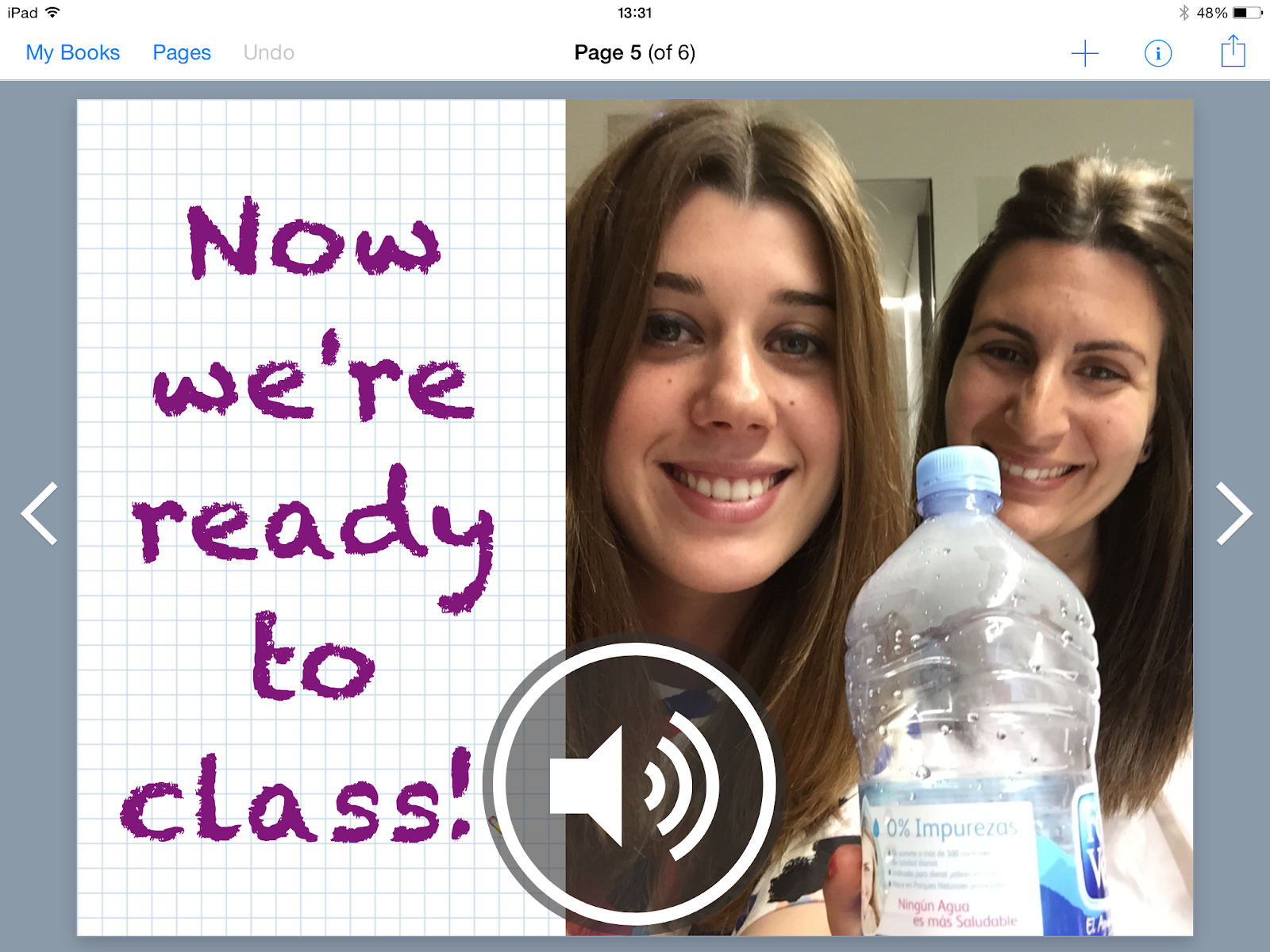
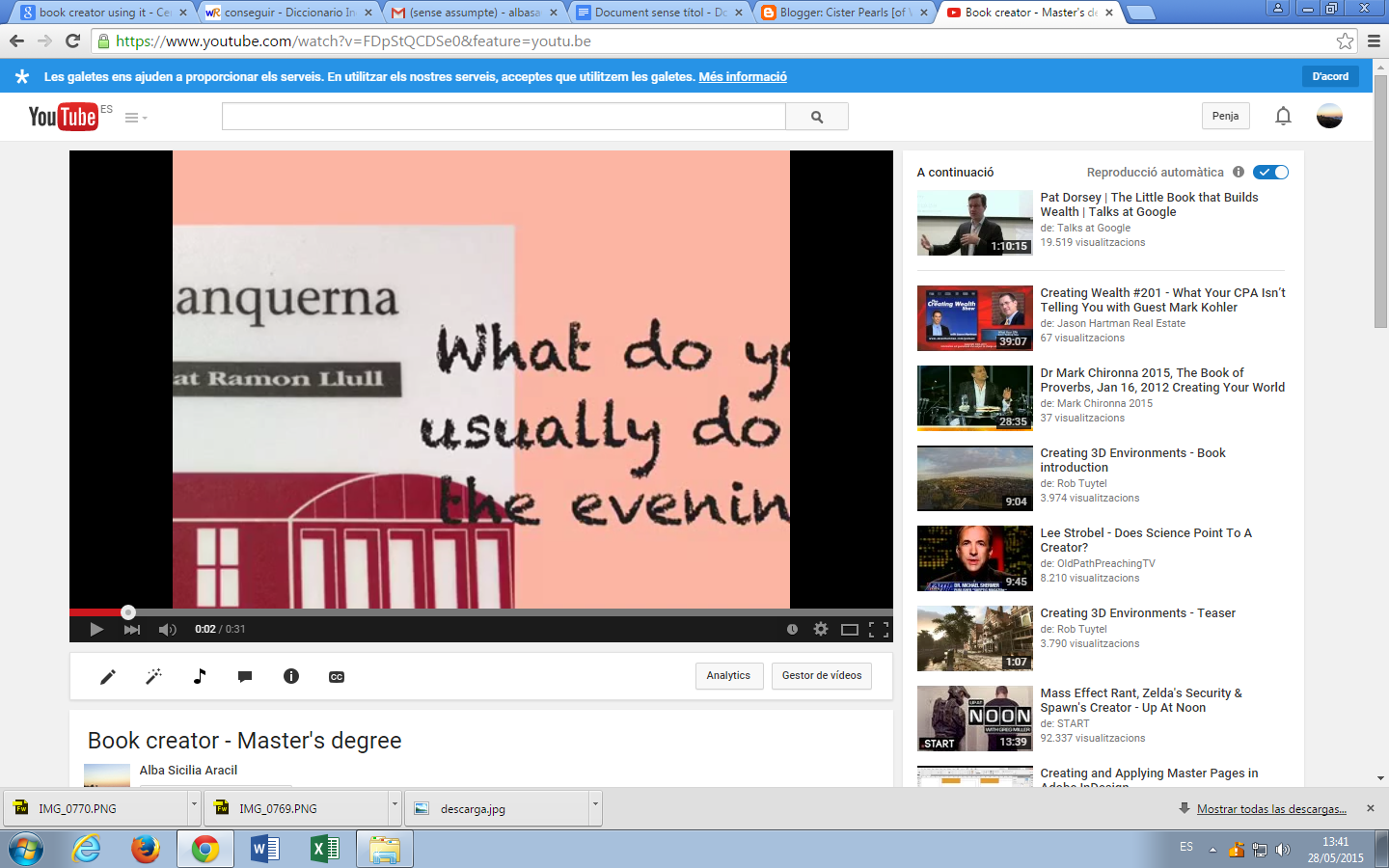
Gina and me decided to focused our example with “Book Creator” on one topic: routines. Our aim of the activity was to check if students could work on a routine using this app. The idea was simple: students must create a book choosing one time of the day (morning, afternoon, evening) and illustrate it by adding recordings or images and text or audios.


We tried our best checking all the options we were allowed to try and it worked! We were really proud of our project and we will definitely use it in our classrooms.


IMG_0770.PNG


The second application that we downloaded was "BITSBOARD"


It’s very easy to use you only have to make photos or choose images related to a topic that you are interested. Insert the image and write the name, if you want you can record how to pronounce the word, if not the application will look trough their documents the voice of another person saying the word and if you are agree with you can leave it. Once you have introduced all the images it gives you the option to play to several games using them.
The games can be played in groups, for example in this one the maximum are 4 pupils playing at the same time. They have to match the sound with the object that apperars in the image.


Bits board gives you the opportunity to choose lots of games depending on the age of the students. We share you some different games that can be used in different ages. 


And it’s also very useful if you don’t have time to create your own board, you can search through all the boards that other people published.


So, Bitsboard is a fantastic and complete tool to show contents in a new way, playing dozens of games. Also, it gives the opportunity to create your own contents, search for created boards before, and share your own boards to people and other teachers around the world.

Thursday, 14 May 2015

First contact with IWB

Last session was my first technical contact with the IWB. I had the chance to use it in some expositions in the university, but I only touched the screen to pass the slide, so I had no idea about all that you can do with IWB.

In the kindergarten that I’m actually working they don’t have this resource because of the age, we only have TV. But after the last session I can imagine different activities to do with the very little ones.
Before the last session I didn’t know how to use it and all the different kind of activities you are able to do. I think that SMART notebook gives you lots of facilities to allow you to create lots of different activities for different levels of teaching, and different ways of learning, thinking.. I was very shocked about how easy it can be to create a good, creative and complete activity.

I created different types of activities related to the animals, depending of Blooms Taxonomy. One of them is related to the Low Order Thinking Skills (LOTS), and the other is related with the Higher Order Thinking Skills (HOTS).

LOTS activities:
The first one it will be perfect for P3 students. They will have to find the pair of the other animal. So in these activities they will do two pairs of animals. It can be done by many ways and for different ages, for example doing pairs with the animals and their habitat.


Another activity can be the following one. They have to relate the picture of the animal with their characteristic, in this case the tiger is a wild animal, and the dog is a pet animal. This activity can be addressed for a 4th grade students.


A more complicated but it’s also a “LOTS” activity consist on classify the different animal images depending if they live in the savannah or in the sea.


HOTS activity:
Now it’s the turn for my HOTS activity. It’s addressed for a 4th grade students, because this activity involves more complicated different aspects. They have two different backgrounds: the savannah and the sea. And then in the savannah background it is a shell (an element from the sea) and in the sea there is a stone (an element that can be found in the savannah). They have to transform the shell and the stone to an animal that lives in each background, so they have to transform the shell into an animal that lives in the savannah and the stone into a sea animal. It involves a lot the creativity, but under the image and the drawing they will have to describe the animal that they imagine.


It’s a bit complicated activity but that’s why I have done an example, to guide the students how they have to do the activity and give them some ideas and inspiration.


I opened a folder in my dropbox with a pdf and the following document that contains all the activities. Feel free to download it doing click here.

Hope you like it, and better if I inspired you to do more activities!


Wednesday, 13 May 2015

IWB - Interactive whiteboards


Currently most of the classes in the schools have Interactive whiteboards and it is actually a very good tool to use in the teaching-learning process.
The proper use of this tool helps to develop more dynamic and showy lessons and it helps to increase children’s participation. Moreover it can be used with students of all ages and in all the different subjects.

Regarding to my experience I used IWB several times in different schools but my experience was rather poor because I used it as a computer. Therefore I did not use it at all as an interactive tool.


I created two different activities to be used with IWB. The first one is developed with the Lesson Activity Toolkit 2.0 and it is a memory related to the Trafalgar Square from London.  


It is a LOTS (Lower Order Thinking Skills) activity and it is based on remembering and understanding.


The second one is more complex and it is a HOTS (Higher Order Thinking Skills) activity. It is a creating and analyzing activity and it consists in creating a new Trafalgar Square. There are different images of objects and parts of the real Trafalgar Square and children can make up a new Trafalgar Square putting the images in the white spaces.  


The different pictures are locked and children can move them but not modify them. The pictures have also a recording and every time a person touches the picture there is a sound of the name of the object touched.      

Both activities are created for P5 and it is important to make a previous knowledge and to work on the different vocabulary.