Even I couldn't assist to the last session of this subject, I have been very interested in the sessions focused on the Ipads because it is a topic that our school does not work very hard at the moment.
Having Ipads in the classroom is a wide chance of resources where learning is integrated and the process of teaching and learning becomes more effective.
As I said before, I do not work with ipads at the moment in the classroom but there were some special situations during the year where students have had the opportunity to use the ipad for final projects.
One of these situations was the second trip of our project Erasmus +. Every year, students have the opportunity to visit a partnerschool in a different country and spend a week with native English speakers sharing culture and language besides adventures and experiences.
When we were back from the trip, students wanted to show to the rest of the students what they visited, what they learnt, their new friends, the place where they stayed...
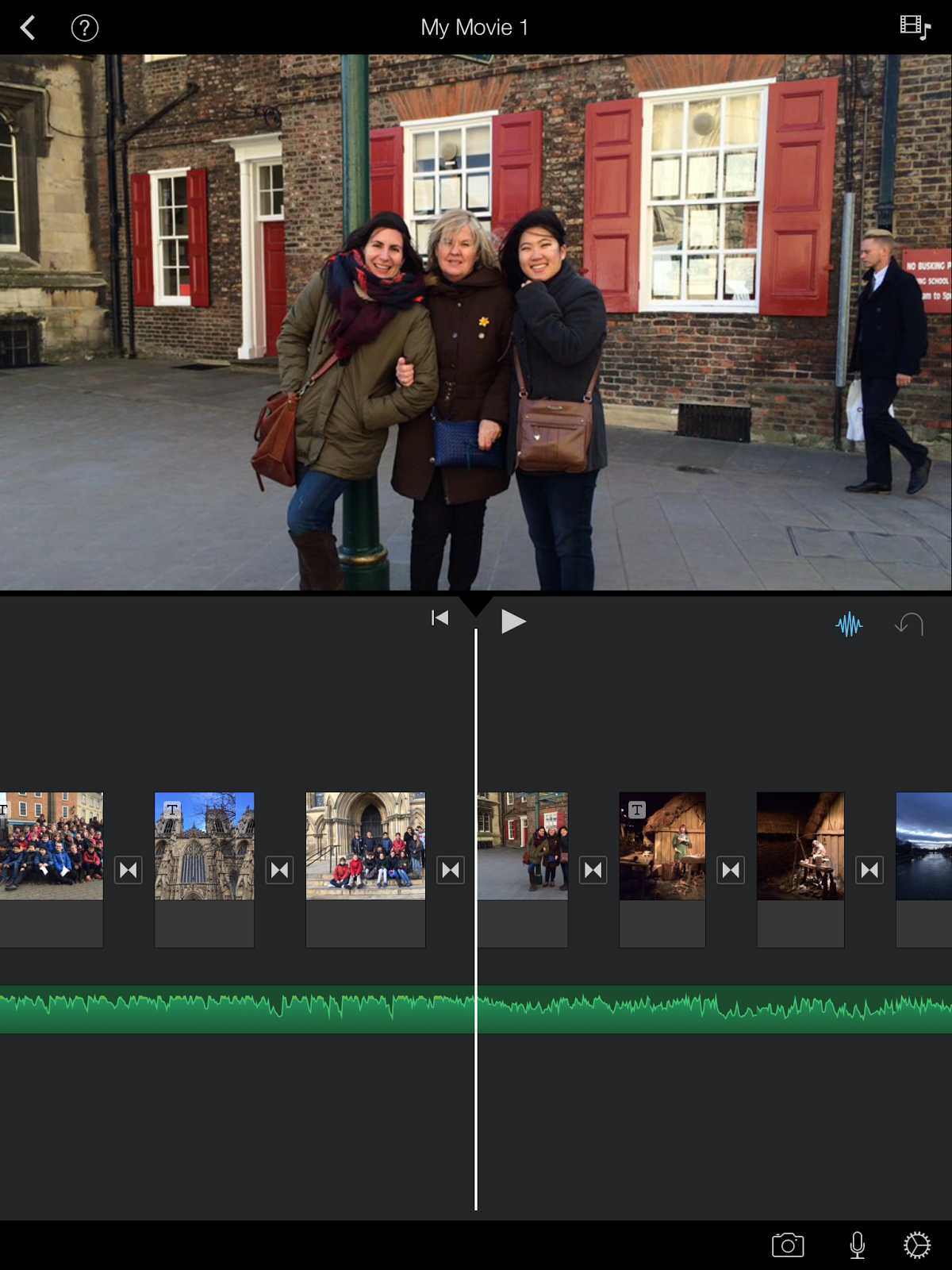
Imovie was an amazing tool because students could create their own project and share it with everybody via several platforms.
The main idea was to choose what they wanted to share, organize it, illustrate it, design, write... and Imovie was an appropriate resource for our aims.
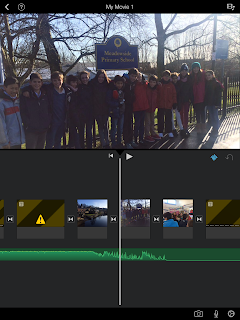
Certainly, fhe fact of using Imovie was the right choice because it was easy for the students to understand how it works, to use it and to achieve the aims teachers decided.
Regarding to Bloom's Taxonomy, this activity is related to Higher order thinking skills (HOTS) where students have to analyse, evaluate and create a final outcome taking into consideration their own experience and their feelings. The fact to show the final product to the rest of class and to their families and friends, made the project interesting and motivating.
On the other hand, I would like to consider iDoceo as a very useful tool for teachers.
Instead of carrying a notebook, iDoceo makes it easy to assess pupils and have access to a register of all the notes, labels and marks. Apart, iDoceo has different options with different purposes useful for teachers as summary (look for students, personal details, diary annotations, notes, comments, resources...), gradebook (assessment), a diary, notes, a setting plan and a pinboard.


I have been using iDoceo this year and I have seen a big change. The fact that I like the most is that children can help me during the assessment because they love iPads and they love using them.