Hey!! We are Ferran Rodriguez, Àngels Tugores and Anna Solé. We would like to introduce you the following programme:
Thingslink! 
Would you like to make your images come alive with videos, notes or even music from youtube? If yes, have a look at the following steps:
It is an interactive media platform that empowers publishers, educators, brands, and bloggers to create more engaging content by adding features to images.
ThingLink works on all modern web browsers as well as iPad, iPhone and Android. Moreover, it is free!
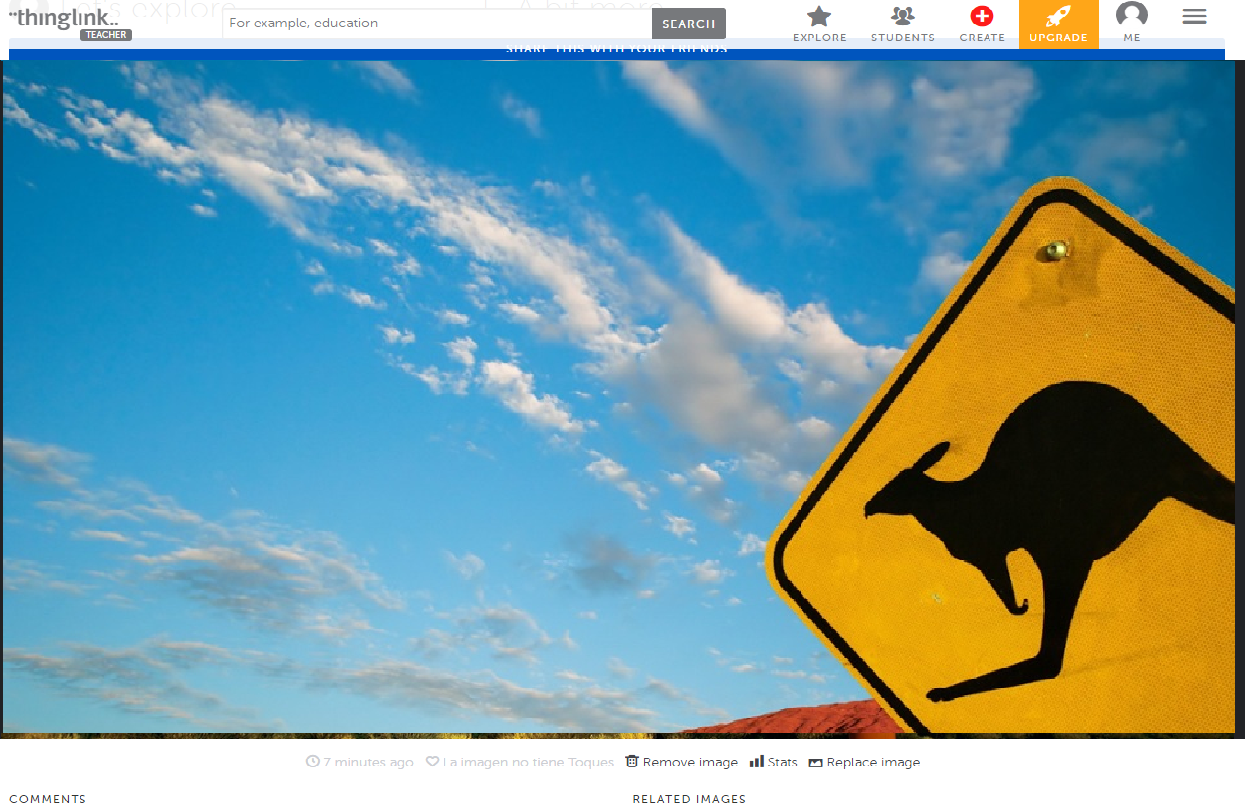
This app and web tool could be useful to introduce a new topic, such us, Australia. We have created an example just for you!
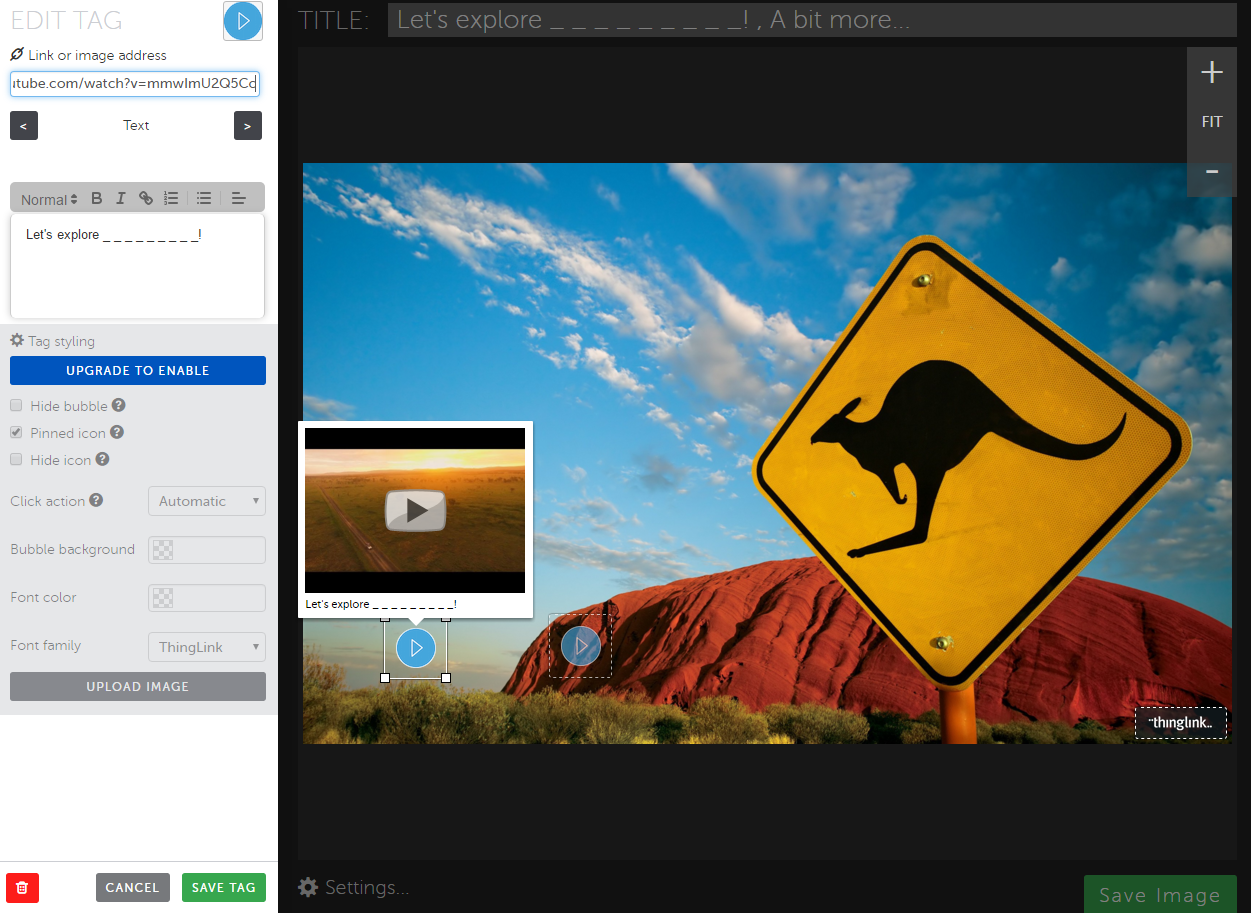


However, students can also create their own alive images by adding videos, notes, music and then present it to the rest of the students. They can choose a topic and to make the presentation more alive at the beginning they can use this app just to present the topic they will focus on.
It is very similar to PowerPoint, though the idea of this app is to be faster just presenting the information on one slide. In addition, it is very easy to use and so it would gave children a feeling of security and self-confidence.
We will apply this activity for 4th grade students.
Activity related to the Thinglink we have created:
After showing the presentation through Thinklink we will organize and assembly to comment the videos and also to talk about the things they would like to discover. For example, food, clothes, animals, landscapes, people, etc.
Classroom management
To create the groups we will prepare different papers in which there will be written : food, clothes, animals (the topics they will have previously chosen). The students will have to find the pupils with the same paper to create groups. We will give them a kind of scaffolding:
Do you have food/animals...?
I have food/animals, and you?
We will give them time to research information on the internet about their topics. So, one session could be devoted to plan the presentation and the second session, they will have to create a Thinklink and present it to the rest of the classmates. Doing this activity the students can find they role. Therefore, learning styles and multiple intelligences and also related.
We will apply this activity for 4th grade students.
Activity related to the Thinglink we have created:
After showing the presentation through Thinklink we will organize and assembly to comment the videos and also to talk about the things they would like to discover. For example, food, clothes, animals, landscapes, people, etc.
Classroom management
To create the groups we will prepare different papers in which there will be written : food, clothes, animals (the topics they will have previously chosen). The students will have to find the pupils with the same paper to create groups. We will give them a kind of scaffolding:
Do you have food/animals...?
I have food/animals, and you?
We will give them time to research information on the internet about their topics. So, one session could be devoted to plan the presentation and the second session, they will have to create a Thinklink and present it to the rest of the classmates. Doing this activity the students can find they role. Therefore, learning styles and multiple intelligences and also related.
If the students create one, they will be practising the four skills.
Writing: They will have to write the presentation or their own slide.
Reading: Students read all the instructions and the steps they need to follow.
Listening: The students will listen to their classmates and to the video or music.
Speaking: The students have to talk with their partners and then they will have to present their presentation.
The students have the opportunity to find the learning style that best suits them. As an example, the students that are more linguistic can write notes, whereas the one that are more visual can be in charge of searching pictures, etc.
Regarding bloom’s taxonomy, we would say that if they create one they would be working on High Order Thinking Skills.
Level VI: Creating (create new products). The activity gives the students the opportunity to create their own presentation.
Assessment
In order to assess the presentation we have thought to do peer-assessment. Each groups will have the chance to assess their classmates. Always in a constructive way.
The aspects that they will have to take into account are the following:
1. Creativity (e.g. The Thinglink is attractive.)
2. Use of English (e.g. The students talk in English most of the time.)
3. Body Language (e.g. They look at the audience, interact with them.)
4. Content (e.g. They have added enough information to understand the topic.)
 Just try it and decide if it worth!
Ferran Rodríguez
Àngels Tugores
Anna Solé

